GLPI ITSM Lab
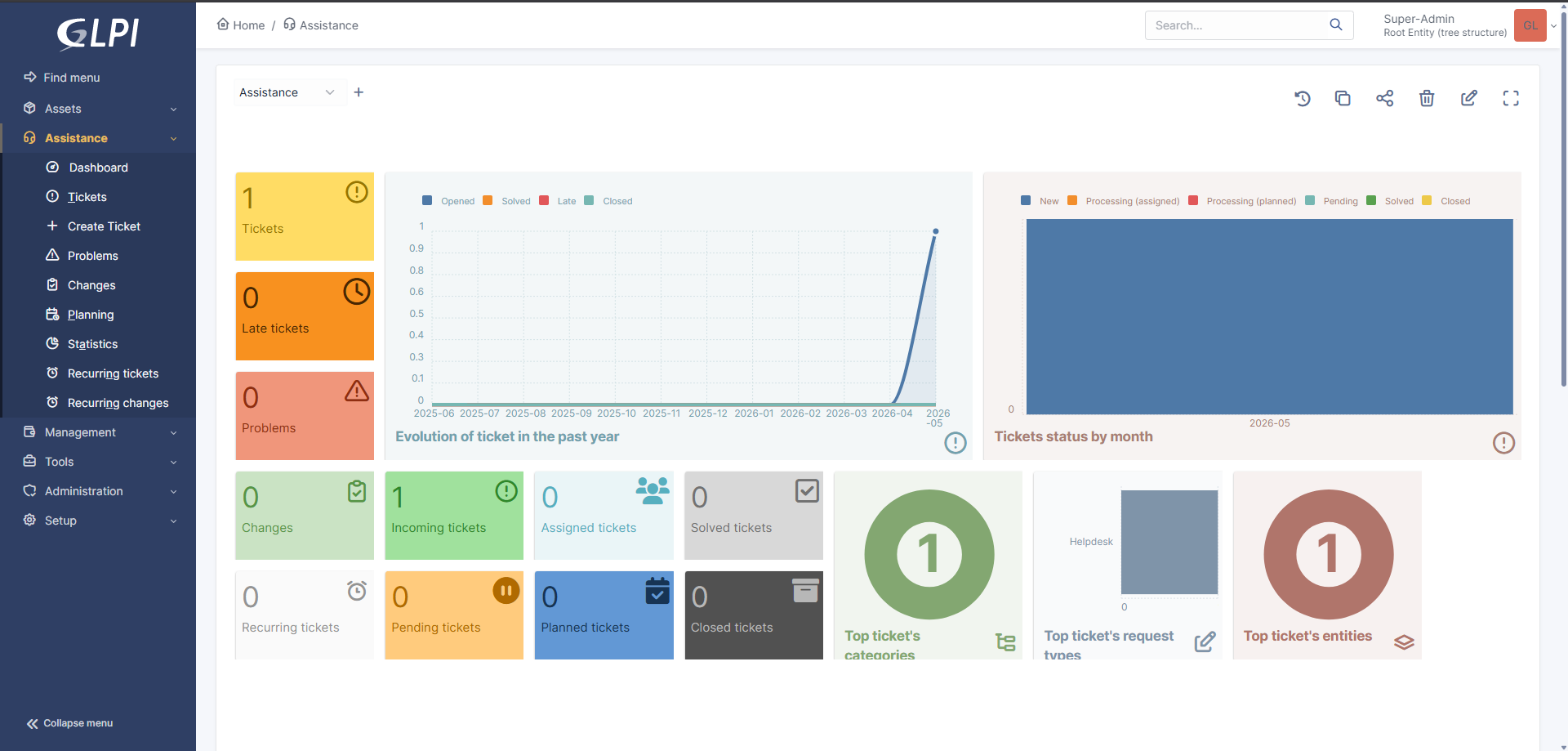
I deployed and configured a GLPI ITSM platform inside my homelab to simulate an enterprise help desk and asset management environment. The system was hosted on a Debian 12 LXC container and integrated with Active Directory through LDAP authentication, allowing domain users to sign into the ticketing system using centralized identity.
This project focused on learning how ticketing systems fit into real IT operations, how identity-backed authentication works for internal applications, and how help desk workflows can be built around users, roles, tickets, assets, escalation paths, and documentation.
Environment
Problem
Enterprise IT teams rely on ticketing systems to track issues, document troubleshooting, assign work, escalate problems, and maintain accountability. Without an ITSM platform, support work becomes difficult to measure, prioritize, or hand off between technicians.
I built this lab to better understand how help desk platforms are deployed, how they integrate with centralized identity systems, and how ticket workflows can be structured to reflect real operational support environments.
Why This Matters
- Ticketing systems are core tools in help desk, desktop support, NOC, SOC, and infrastructure roles.
- LDAP integration allows applications to use centralized identity instead of separate local accounts.
- Role-based access control helps separate end users, technicians, and administrators.
- Good ticket documentation improves troubleshooting, escalation, and knowledge transfer.
- ITSM workflows connect technical troubleshooting with real business operations.
Implementation
- Deployed GLPI on a Debian 12 LXC container inside Proxmox.
- Installed and configured Apache, MariaDB, PHP, and required GLPI dependencies.
- Configured the GLPI database and application files with appropriate Linux permissions.
- Removed installation files and applied basic post-install hardening steps.
- Created a least-privilege Active Directory LDAP bind account for GLPI authentication.
- Configured LDAP authentication between GLPI and Active Directory.
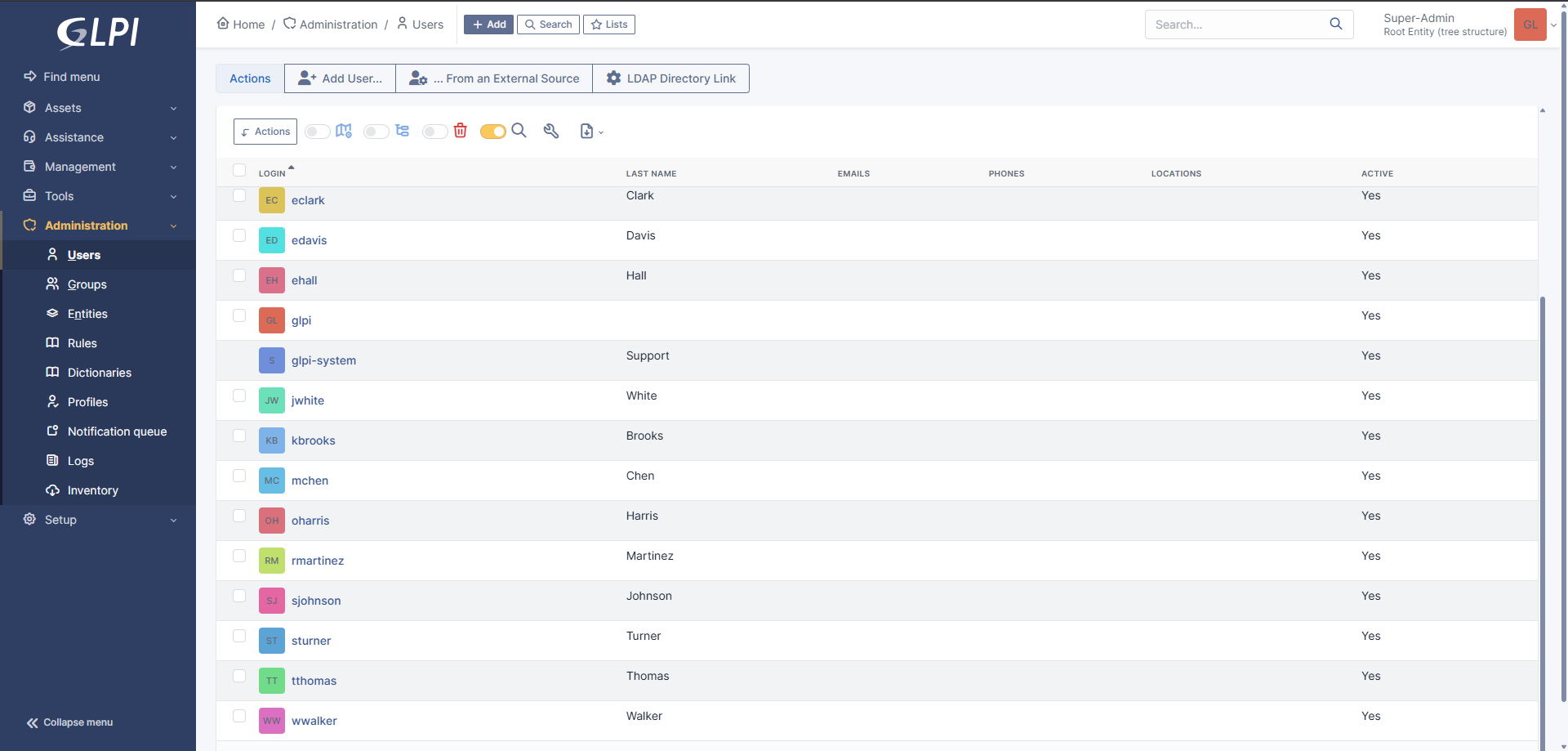
- Imported Active Directory users into GLPI.
- Validated user login through LDAP-backed authentication.
Validation
- Confirmed GLPI web access from the homelab network.
- Verified Apache, MariaDB, and PHP were functioning correctly for the GLPI application stack.
- Tested LDAP connectivity from GLPI to the Active Directory domain controller.
- Imported Active Directory users into GLPI and confirmed account visibility.
- Tested user login using LDAP-backed Active Directory credentials.
- Troubleshot login issues related to first-login password reset requirements.
Outcome
The final deployment created a working ITSM environment where Active Directory users could authenticate into GLPI through LDAP and participate in a centralized help desk workflow. This connected identity management, Linux systems administration, web application deployment, and IT operations into one practical lab.
The project gave me hands-on experience with service deployment, authentication troubleshooting, Linux permissions, database-backed applications, and the operational side of support workflows.
Key Lesson
The biggest lesson from this project was that ticketing systems are not just places to record problems. They are operational systems that connect users, technicians, assets, documentation, escalation paths, and accountability.
Integrating GLPI with Active Directory also reinforced how important centralized identity is for internal business applications. When LDAP, DNS, permissions, or password state are misconfigured, application login failures can look like GLPI problems even when the root cause is actually in the identity path.
What I'd Improve Next
- Create realistic help desk tickets for password resets, VPN issues, software installs, access requests, and printer problems.
- Map Active Directory groups to GLPI technician roles for stronger RBAC.
- Build escalation workflows between Tier 1 and Tier 2 support roles.
- Configure email-to-ticket functionality.
- Add asset inventory and link devices to users and tickets.
- Integrate monitoring alerts into GLPI for automated ticket generation.